




Keeping Headphone Jacks clean is important for clear sound and a stable connection.Dust,lint,and small debris can collect inside an Earphone Jack over time,causing static noise,loose contact,or one-sided audio.If you want your device to perform well,learning how to clean an Audio CONNECTOR safely is a simple but useful step.
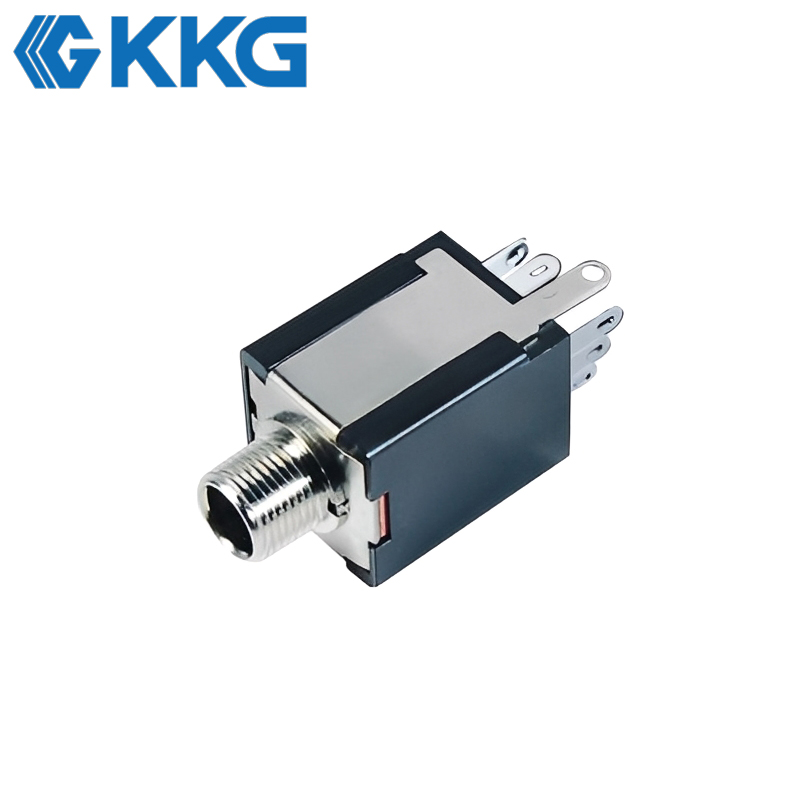
Before cleaning,always turn off the device and unplug any cable.Never pour liquid directly into Audio Jacks,because moisture can damage the internal contact points.Instead,use a soft,dry tool such as a small brush,a clean cotton swab,or compressed air.Gentle cleaning is the key.A Headphone Connector is made of delicate parts,so using metal tools or too much force may bend or scratch the inside.
Start by holding the device so the opening faces downward.This helps loosen dust fall out instead of going deeper into the Audio Connector.Use short bursts of air or a very light brush motion to remove visible lint.If needed,lightly wipe around the entrance of the Earphone Jack with a dry cotton swab.Make sure nothing is left behind inside the port.
It is also important to clean the plug itself.Dirty plugs can transfer oil and dust back into Headphone jacks,reducing sound quality again.A clean Headphone Connector and a clean port work together to maintain a stronger signal and better user experience.
Safe maintenance can extend the life of Audio Jacks and reduce connection problems.Whether for phones,tablets,laptops,or other electronic devices,careful cleaning keeps your Headphone jacks reliable,protects the Audio Connector,and helps every Earphone Jack stay ready for daily use.