




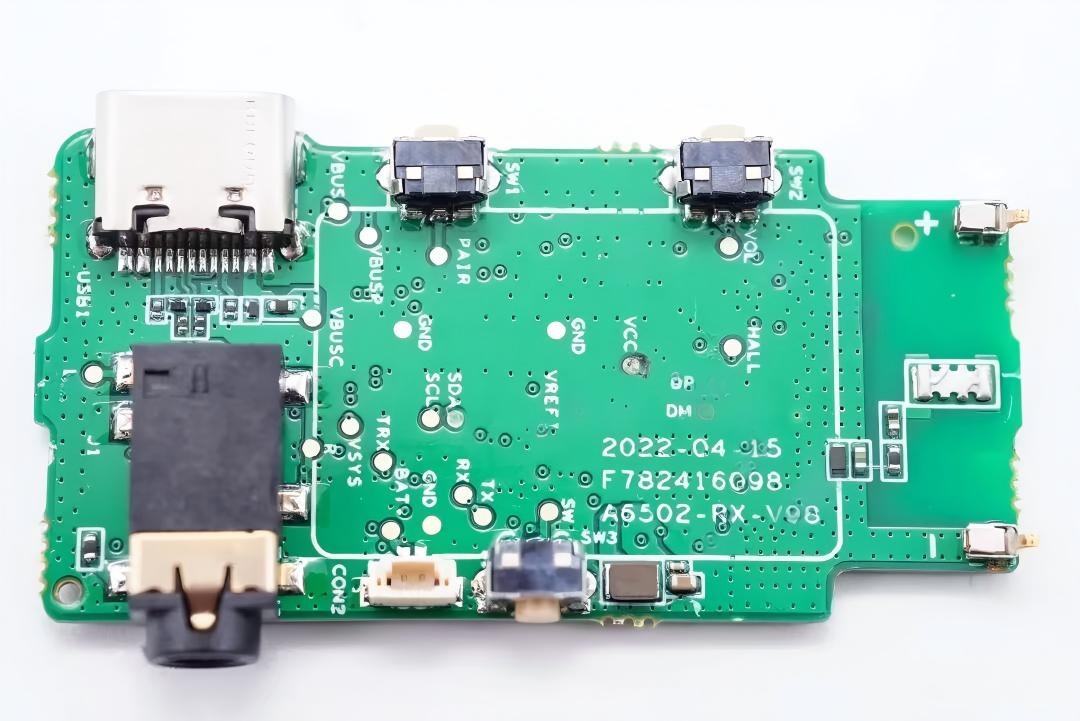
Core Positioning and Role Assignment
Component | Functional Positioning | Core Role |
|---|---|---|
Type‑C Connector | All‑in‑one main control interface | Charging & power supply, USB data communication, firmware upgrade, external monitoring |
PJ242 Headphone Jack | Analog audio output interface | Output monitoring audio (left/right channels); some versions include insertion detection |
TK‑023 Tact Switch | User interaction control | Supports pairing, volume/channel switching, power/mode switching, and other key functions |
Pin Header (Connector) | Function expansion / internal connection | Connects indicator lights, Hall sensors, antennas, or other functional modules |
How do these components Collaborative Workflow?
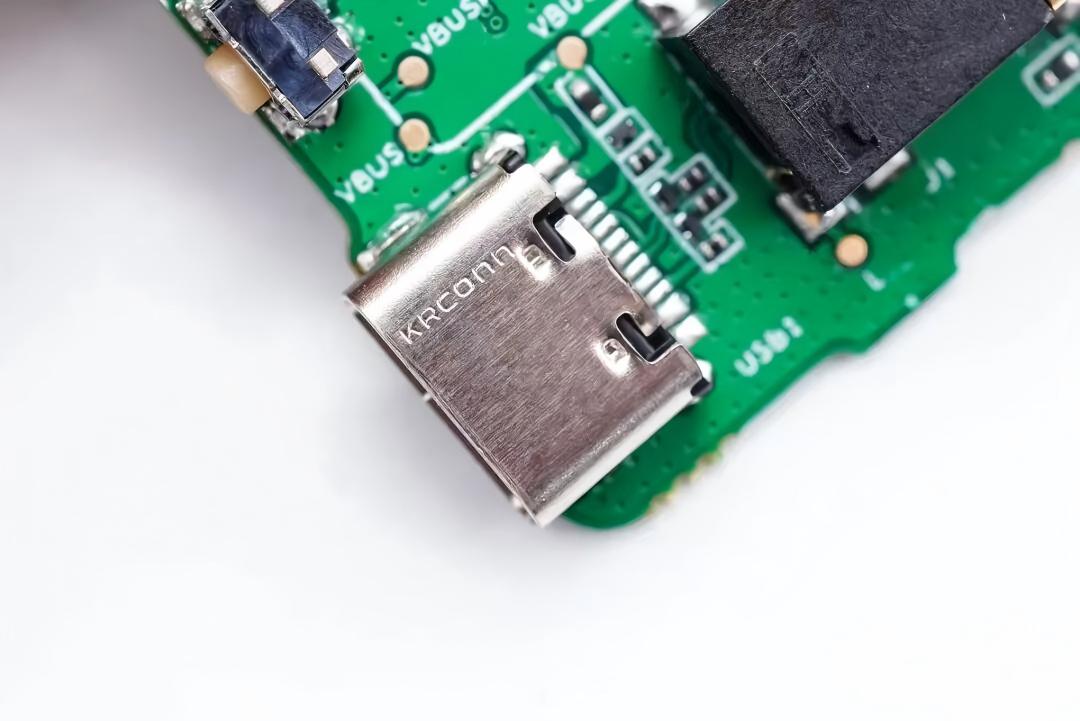
1. Type‑C Connector: Core Hub
Power: VBUS pins charge the battery and power the MCU; CC1/CC2 negotiates power mode.
Data: D+/D‑ links to phones/PCs for firmware updates and pairing info; UAC outputs digital audio if supported.
Monitoring: Dual-mode (digital/analog) for audio output, paired with PJ242 for multi-channel monitoring.
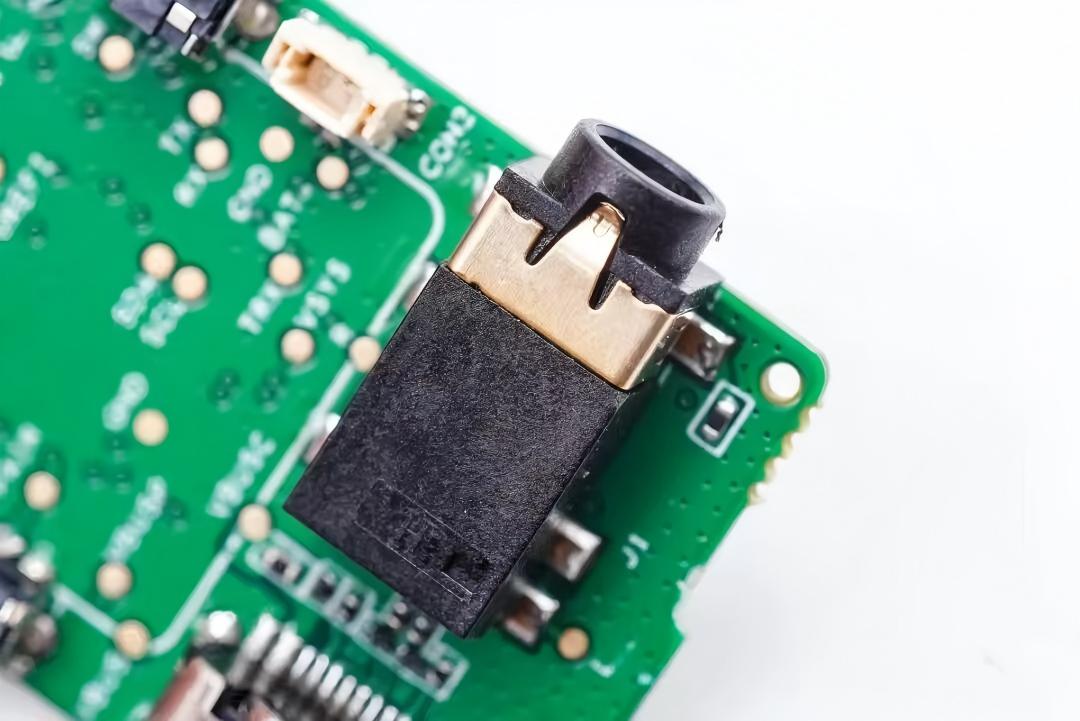
2. PJ242 Jack: Audio Output & Detection
Audio: Receives LRIN signals from the MCU and outputs to headphones via Tip/Ring1.
Compatibility: Supports CTIA/OMTP for universal phone/headphone fit.
Detection: DET pin triggers level change on headphone insertion, prompting MCU to auto-switch output (e.g., mute speaker).
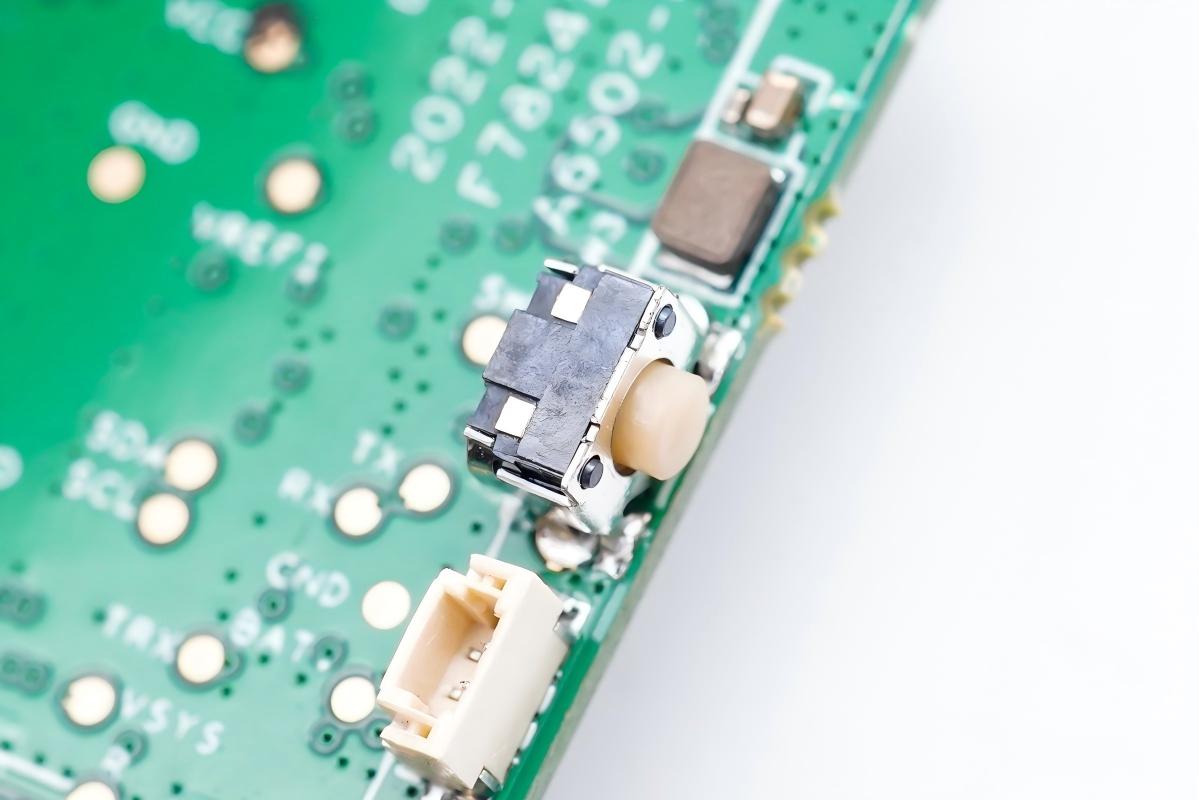
3. TK‑023 Switch: User Control
Connection: Directly to MCU GPIOs (SW1/SW2/SW3) via 2×3mm tact switch.
Functions: Short-press = pair/channel/play; Long-press = power/mode/volume.
Reliability: Software debouncing/RC filtering eliminates false triggers, with PCB silkscreen for key roles.
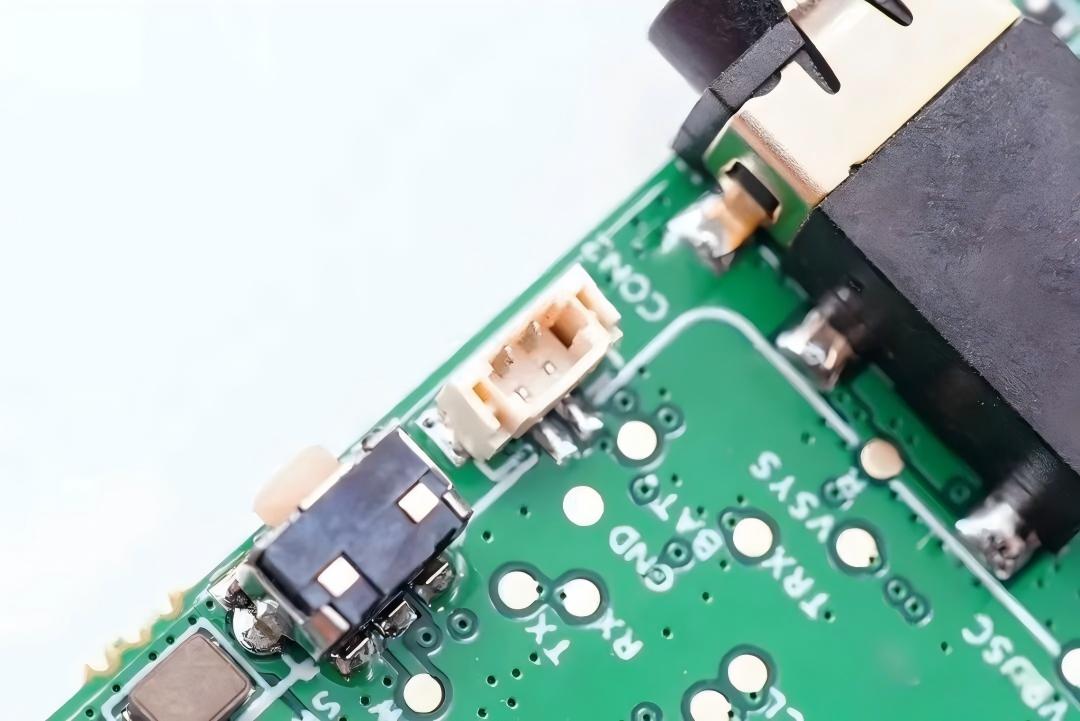
4. Pin Header: Expansion & Interconnection
Links: Connects sub-boards (indicator, Hall, antenna).
Indicators: Transmits LED signals for battery, pairing, and signal strength.
Hall Sensor: Detects in/out of charging case to auto-power on/off/charge.
RF Antenna: Carries wireless signals for reliable transmission/reception.